
Learning beyond the School Walls
Missed classes, teacher absenteeism, lack of understanding, etc. should no longer be a problem.
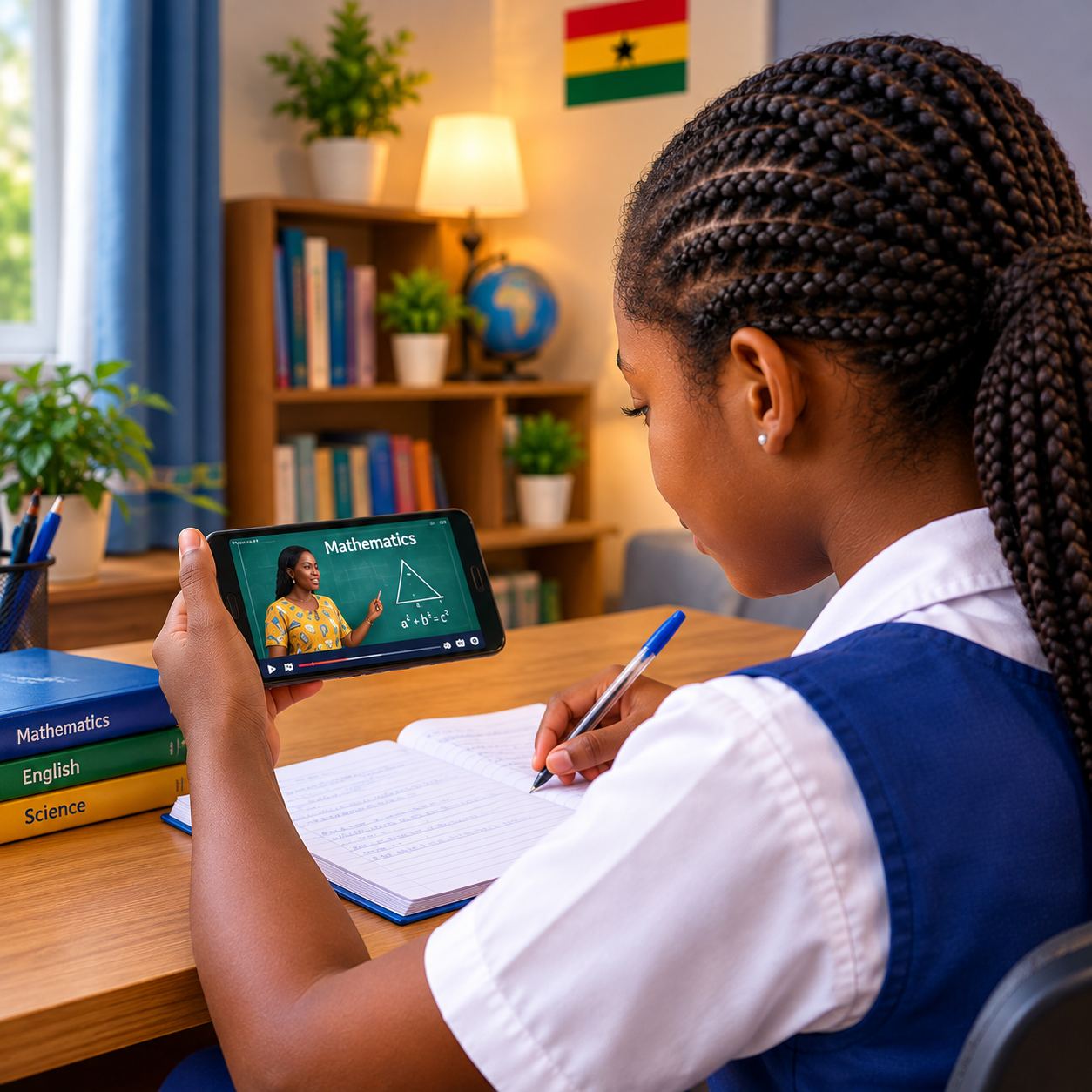
Get access to classroom lessons in videos and e-books by multiple professional teachers here, anywhere, anytime.
Getting Started
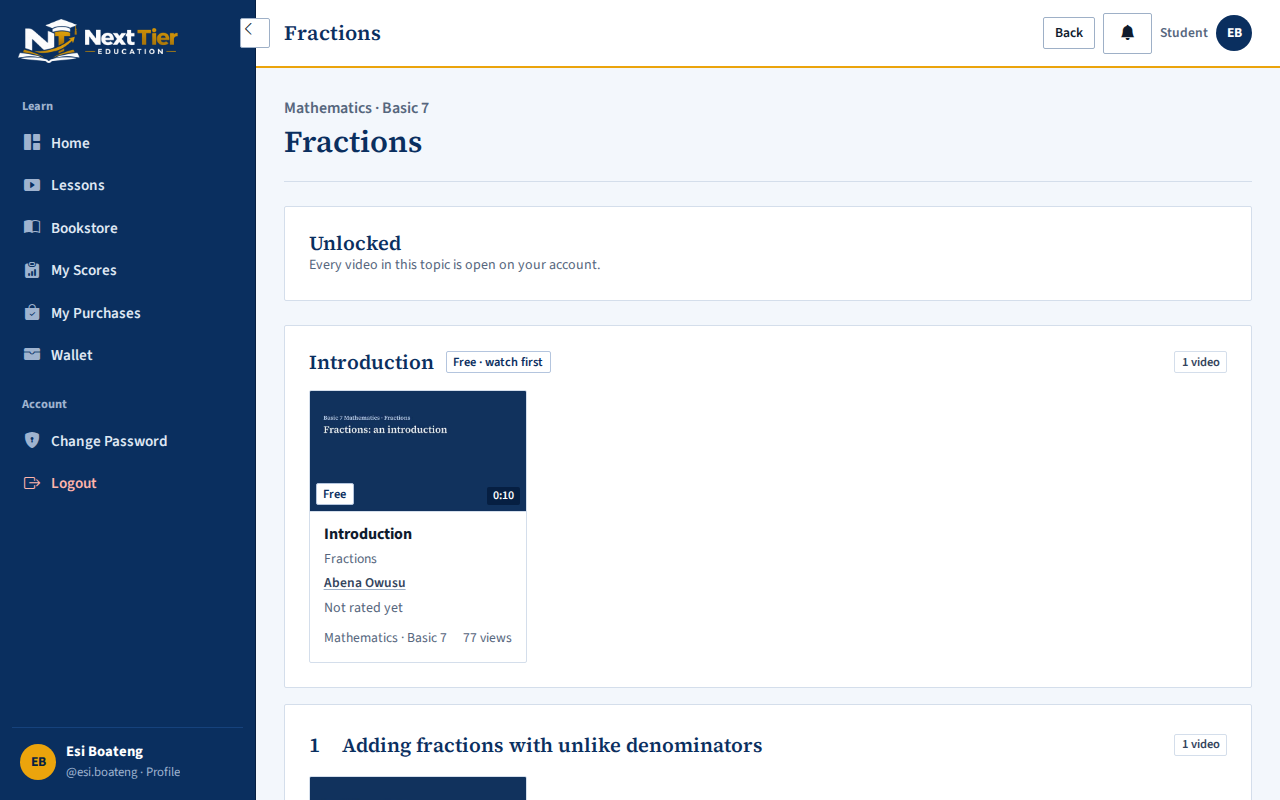
- Register as a parent, a student or a teacher.Parents then add their children and set their username and password.
- Choose your level and class.Basic, Senior High or Tertiary. Topics follow the GES Scheme of Learning.
- Learn whatever you want.Study from multiple teachers for the same subject topic for in-depth understanding.
- Watch, then answer the questions.Each video ends with a short quiz. The moment it's finished, the parent gets the score.
Who it's for
About NextTierEdu
We started NextTierEdu because good teachers already explain things well in their own classrooms, and there was no simple way for them to reach students beyond it, or to be paid when they did.
Students do miss class for various reasons, such as illness, travel, being sent home for fees, etc. Teachers also do miss class. This affects the learning progress of students.
This platform eliminates these problems, as students get access to these lessons anywhere, while the teachers also get paid as they teach.
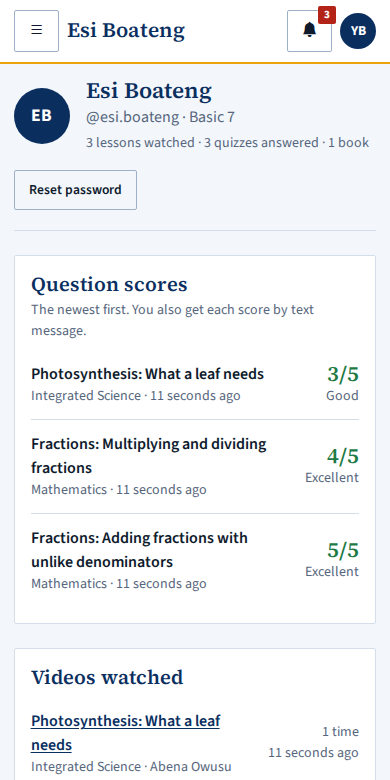
For parents, the point is being able to see progress without sitting through every lesson: the quiz after each video tells you how your child did, the moment they finish.
Frequently asked questions
Which classes and subjects are covered?
Basic 1 to Basic 9, SHS 1 to SHS 3, and Tertiary: University and Technical University (Level 100 to 400), Nursing Training and Teacher Training (Level 100 to 300). What's available in each subject depends on which teachers have uploaded for it, and new topics appear as more teachers are approved. The lessons page shows exactly what's there today, and you can browse it after registering for free.
Do my children need their own email address?
No. When you add a child, you choose a username and password for them. They log in with those, and everything they unlock or score is linked to your account.
How long can we watch a lesson after paying?
You choose when you pay. Longer access costs more. Until it runs out you can watch every video in the topic as often as you like. Books don't expire.
Can we download the videos or books?
No. Videos are streamed and books are shown one page at a time, with the teacher's name printed over them. This protects the teachers' work, which is how they get paid.
How are the teachers checked?
A teacher applies with their school, their qualification and a certificate. The admin reviews each application, and then reviews every video and book before it goes on the site.
How do teachers get paid?
Each sale is credited to the teacher's balance at once. The teacher asks for a payout, and the admin sends it to the mobile money number they give, with a reference.
What happens to my child's information?
We keep what the site needs to work: names, class, what was unlocked and the quiz scores. We don't sell it or show it to advertisers. The Privacy Policy lists everything we keep, who helps us run the site, and how to have it deleted.